
A free git client with antlers.
See your whole history as a graph, change it with a click, and undo the git you regret.
DownloadFree, no account. macOS, Windows and Linux.
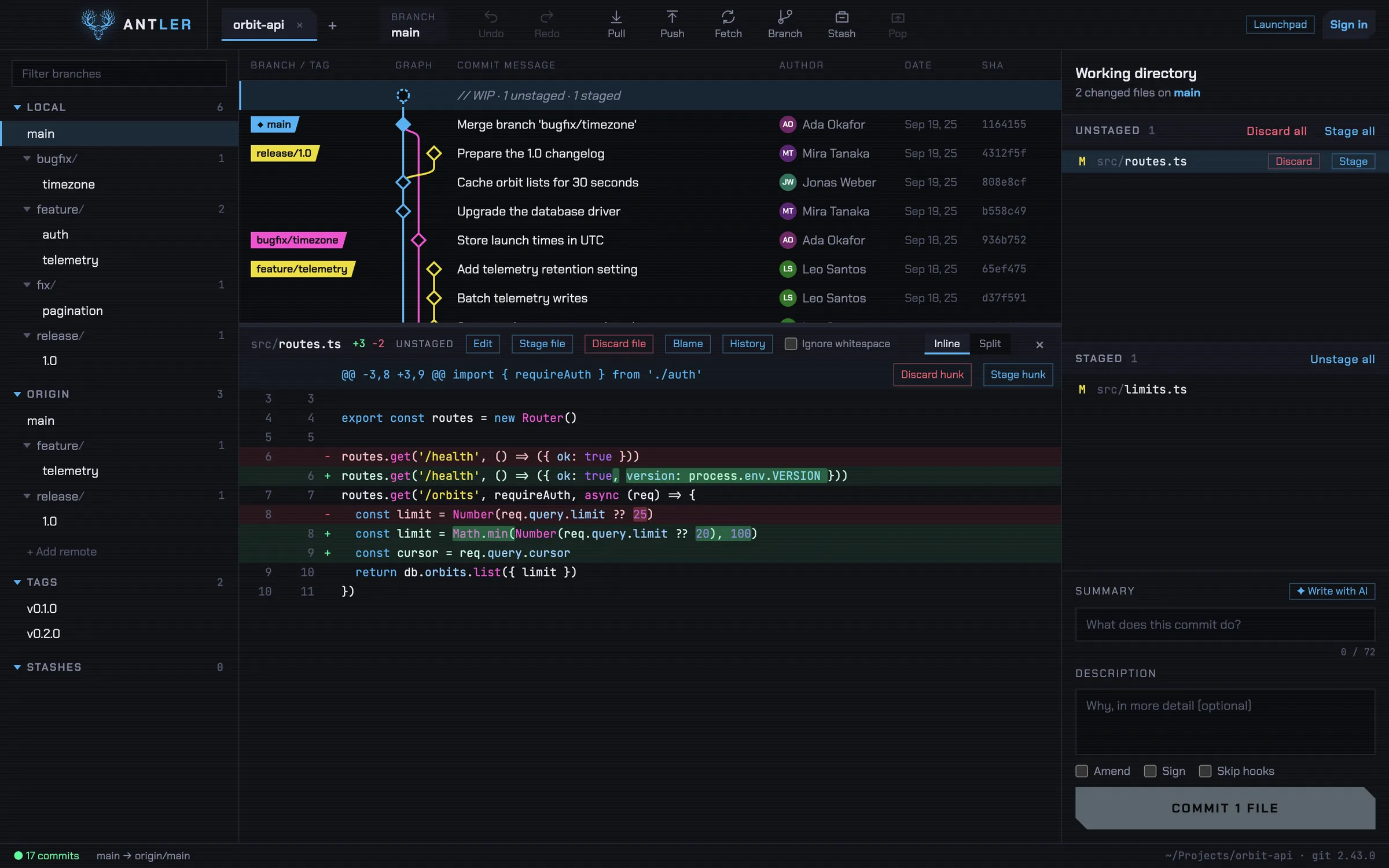
Your history, as a graph
- Every branch in its laneEach merge drawn where it happened, so you see where you are before you move.
- Compare any commits⌘-click a few to see what changed between them, then cherry-pick, revert or squash.
- Find anything⌘P searches every command, branch and file. Three letters usually do it.
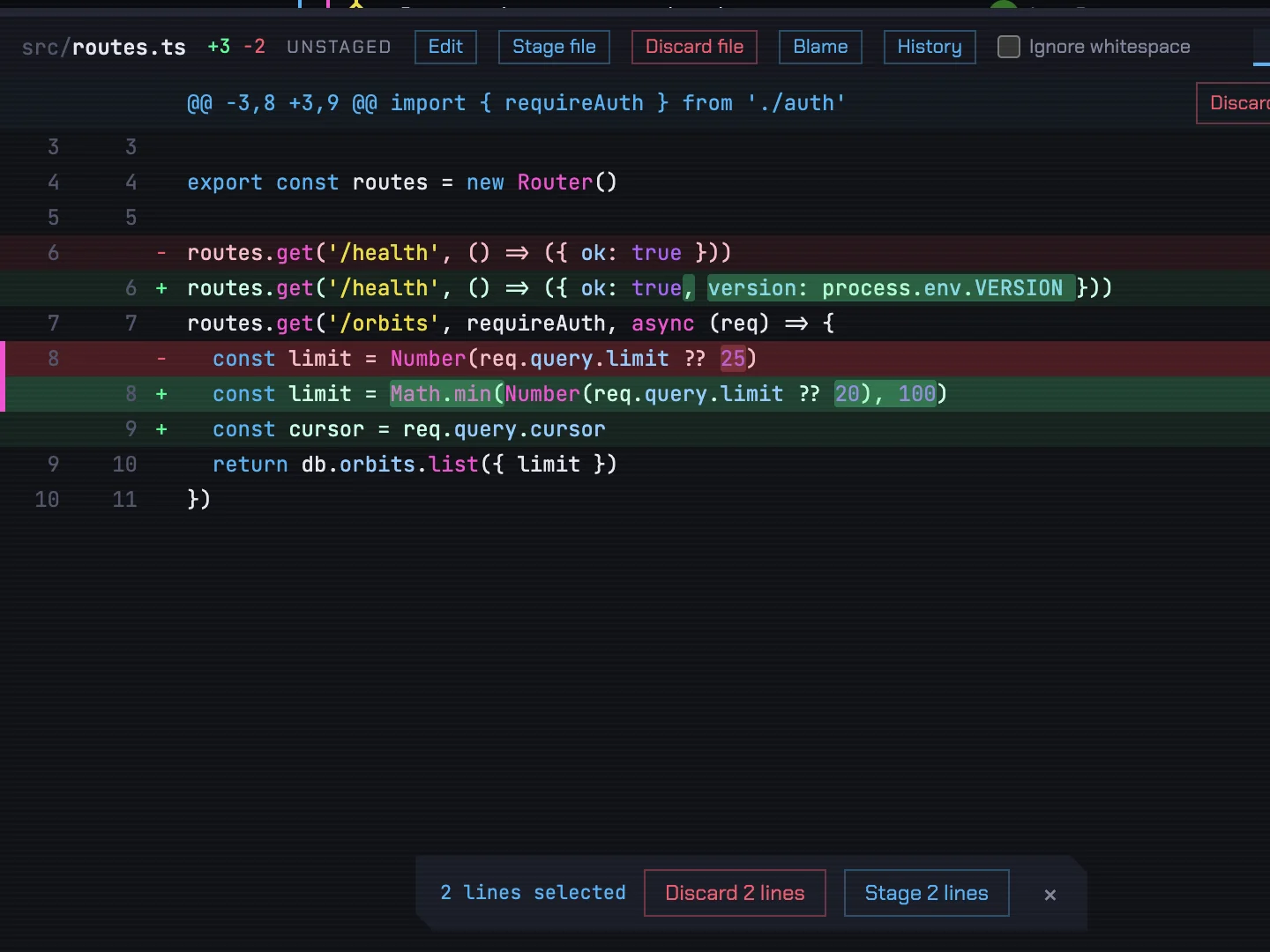
Commit exactly what you mean
- Stage single linesPick lines in the diff and stage or discard just those. The rest of the file stays as it is.
- The words that changedMarked inside each line, not just the line.
- Edit and run in placeA real code editor in the diff, and your own shell docked under the graph with ⌃`.
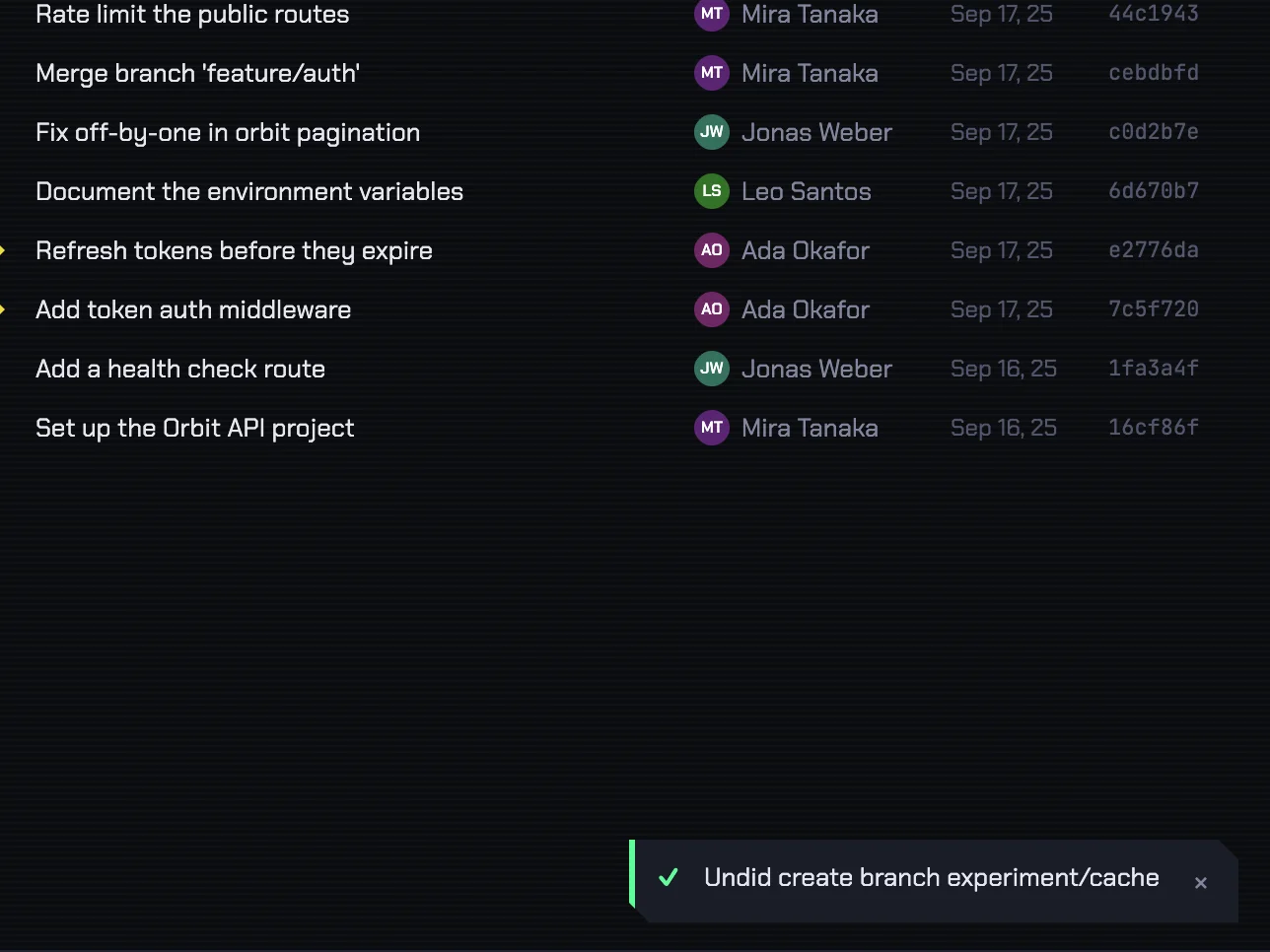
⌘Z for the git you regret
- Merges, rebases, resetsCommits, discards and deleted branches too. One key takes them back.
- Safe by defaultAntler refuses any undo that would overwrite newer work.
- It says what it didEvery action confirms itself, so you always know what ⌘Z will undo.
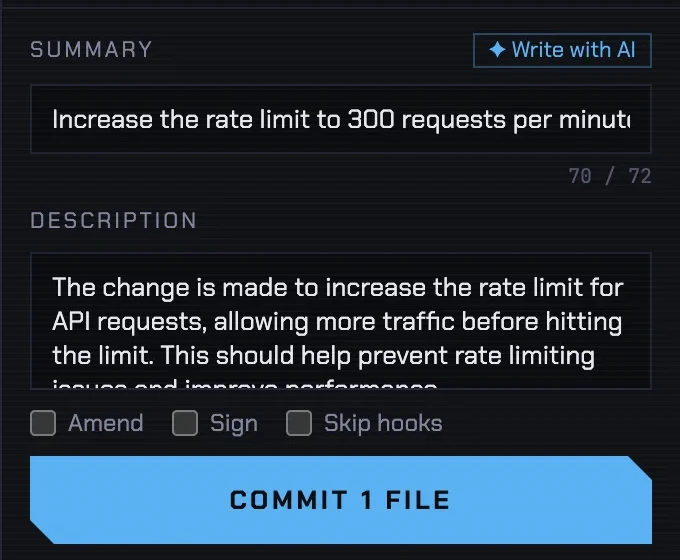
Pull requests, issues and AI
- Launchpad, ⌘LPull requests and issues from all your hosts in one list, sorted by what needs you.
- Commit messages by AIClaude or Gemini with your own key, or Ollama on your machine. Nothing is sent until you press the button.
- Explain a commitA plain-language summary of what any commit changed.
Works with
- GitHub
- GitLab
- Bitbucket
- Claude
- Gemini
Free. No trial, no account.
| macOS, Apple Silicon | .dmg · soon |
|---|---|
| Windows 10 and 11 | .exe · soon |
| Linux, x64 | AppImage · soon |
| Debian and Ubuntu | .deb · soon |
Version 0.1.0. Free at home and at work, under the Antler license.
You need git: on a Mac, the Xcode command line tools or Homebrew git; on Windows, Git for Windows; on Linux, your distribution's git.
The first time on a Mac: right-click Antler in Applications, choose Open, then Open again. On macOS 15 and later, open it once, then click Open Anyway in System Settings → Privacy & Security. Antler isn't signed with an Apple certificate yet.
Questions
Does my code leave my computer?
Only when you tell it to: when you push to your git host, or press an AI button with Claude or Gemini set up. Ollama keeps AI on your machine, and author pictures from Gravatar stay off unless you turn them on.
What are the previews?
Azure DevOps, Bitbucket Data Center, Jira and Linear work but haven't been tried against every setup yet. Turn them on in Settings → Experimental features.